Embeddable widgets

Live Statyx analytics,
on your own site.

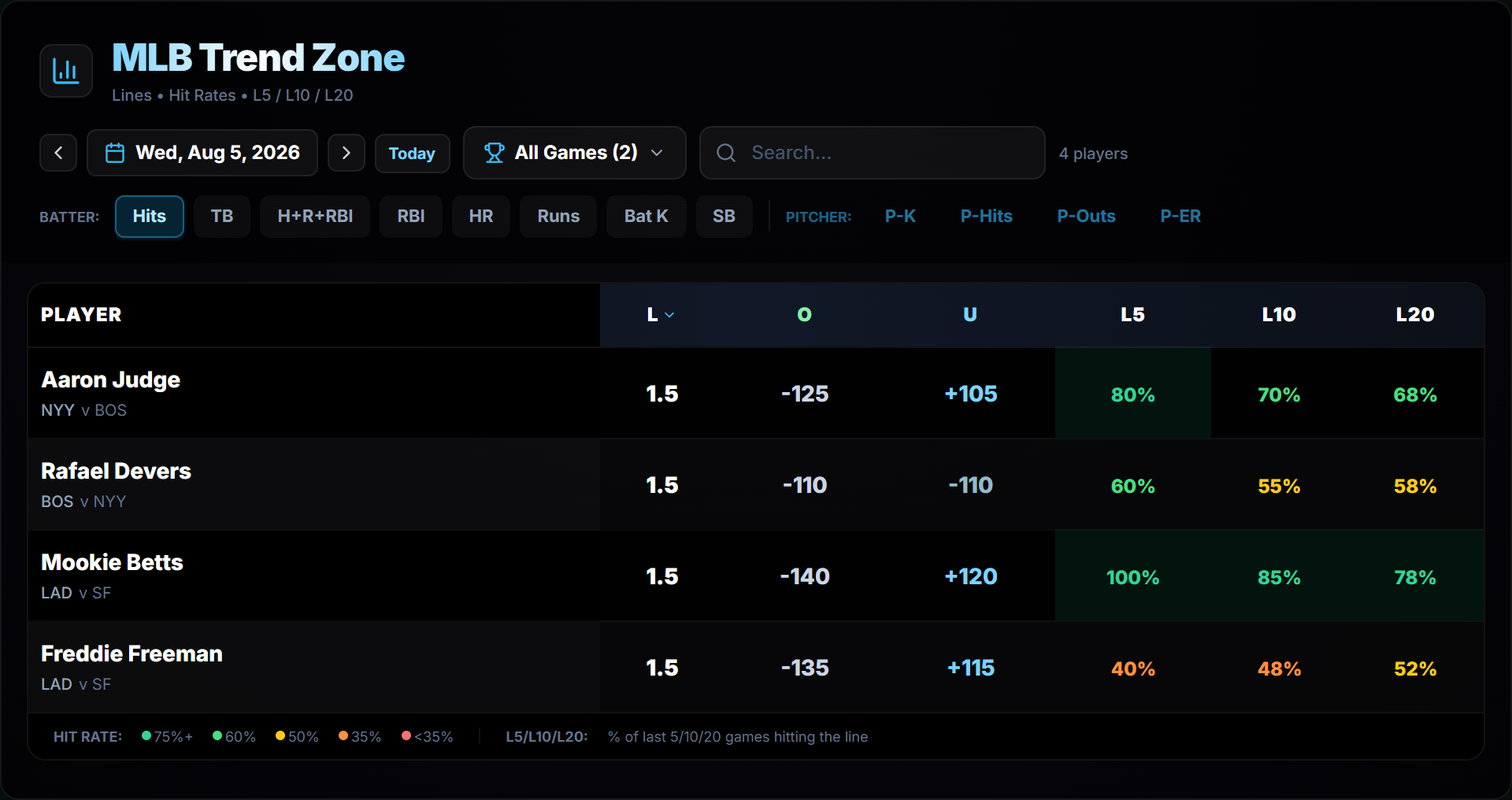
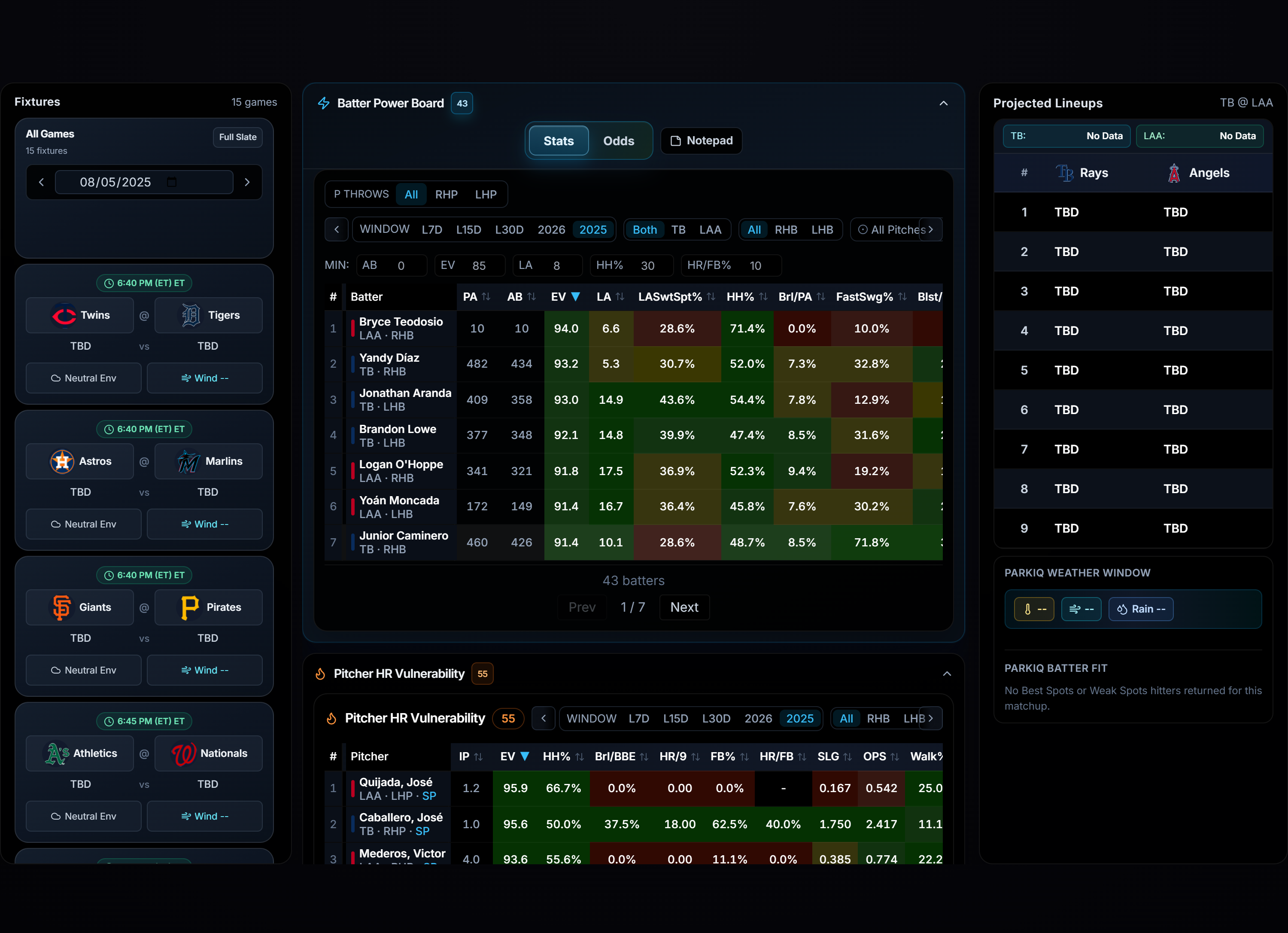
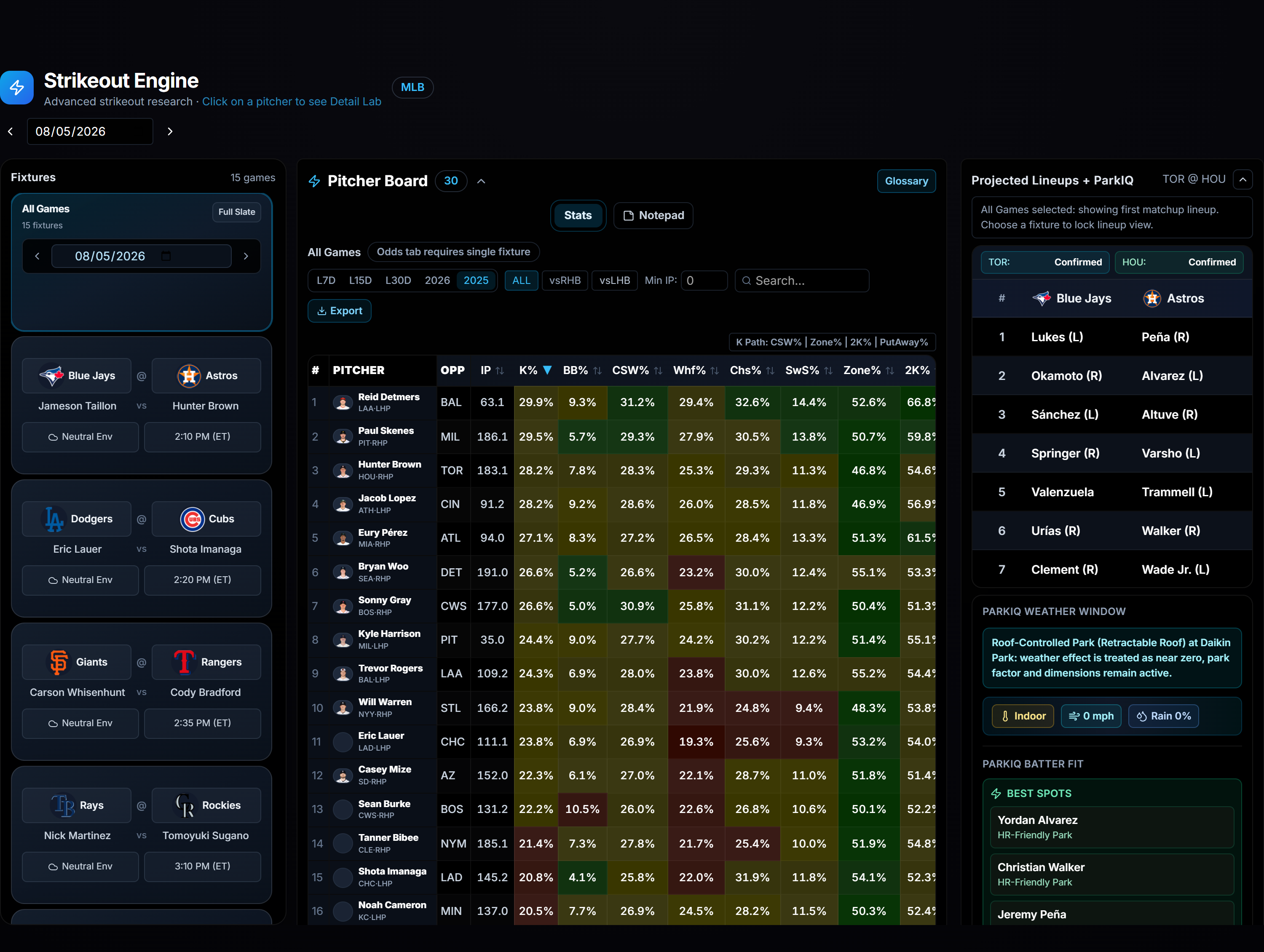
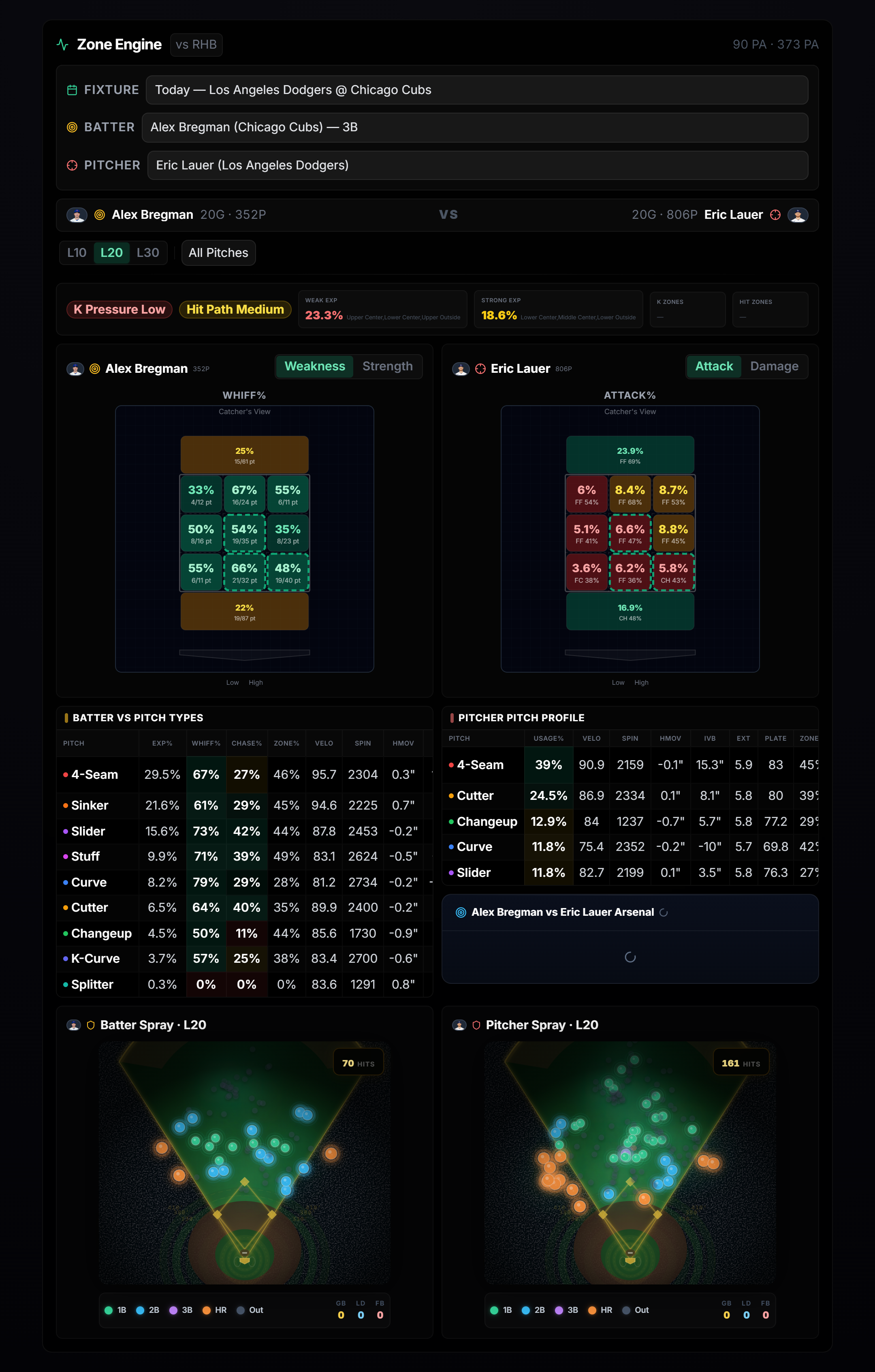
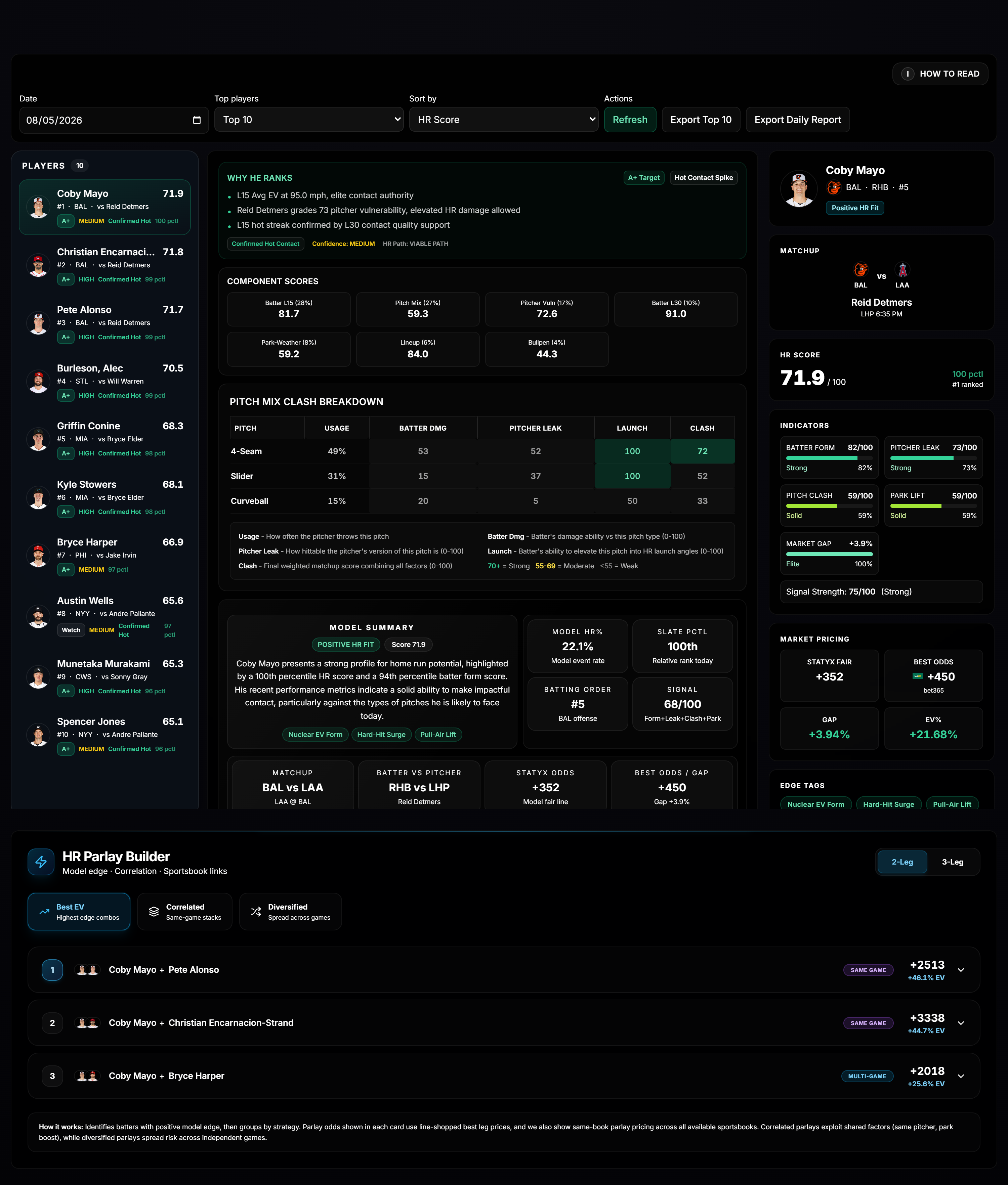
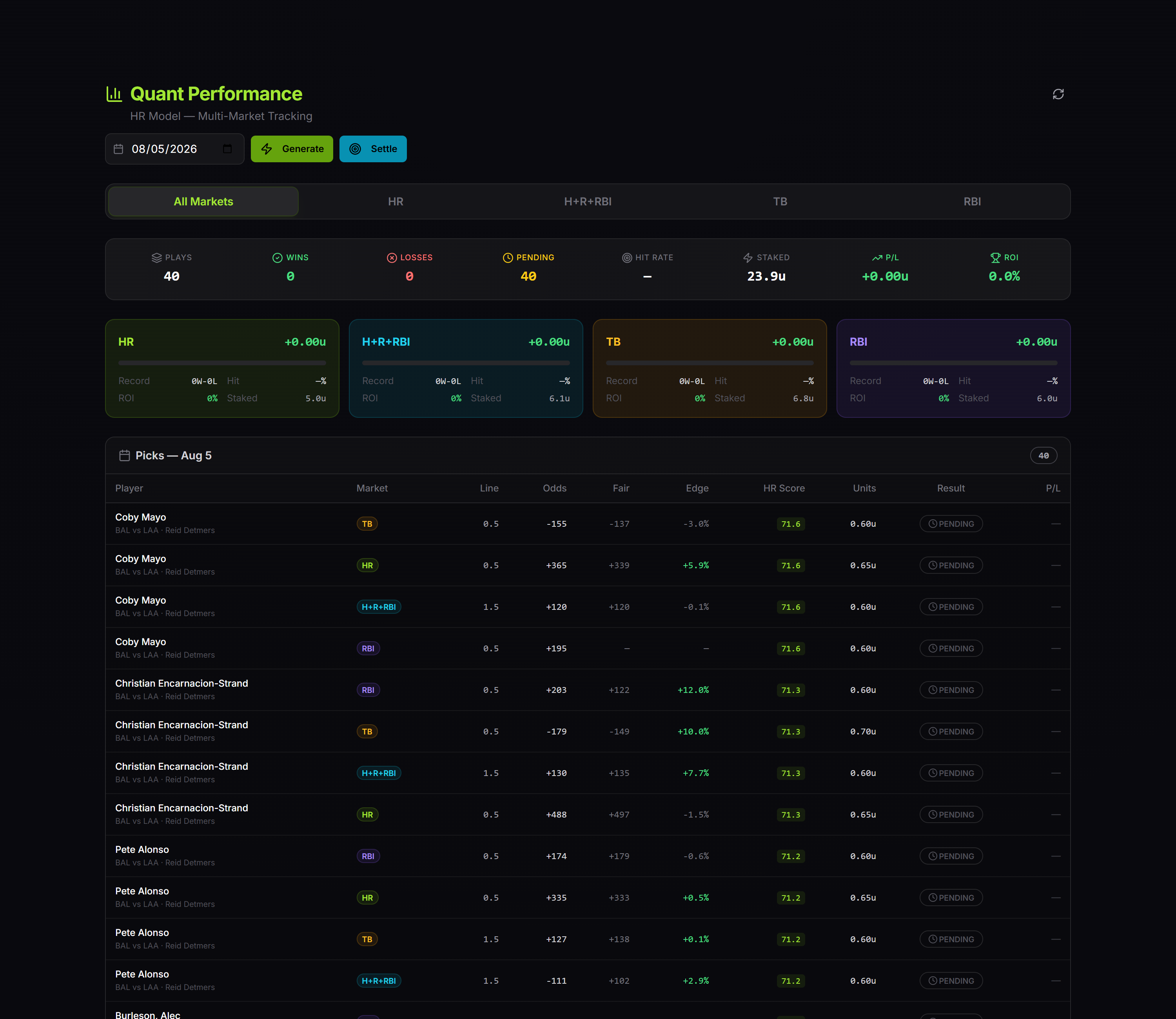
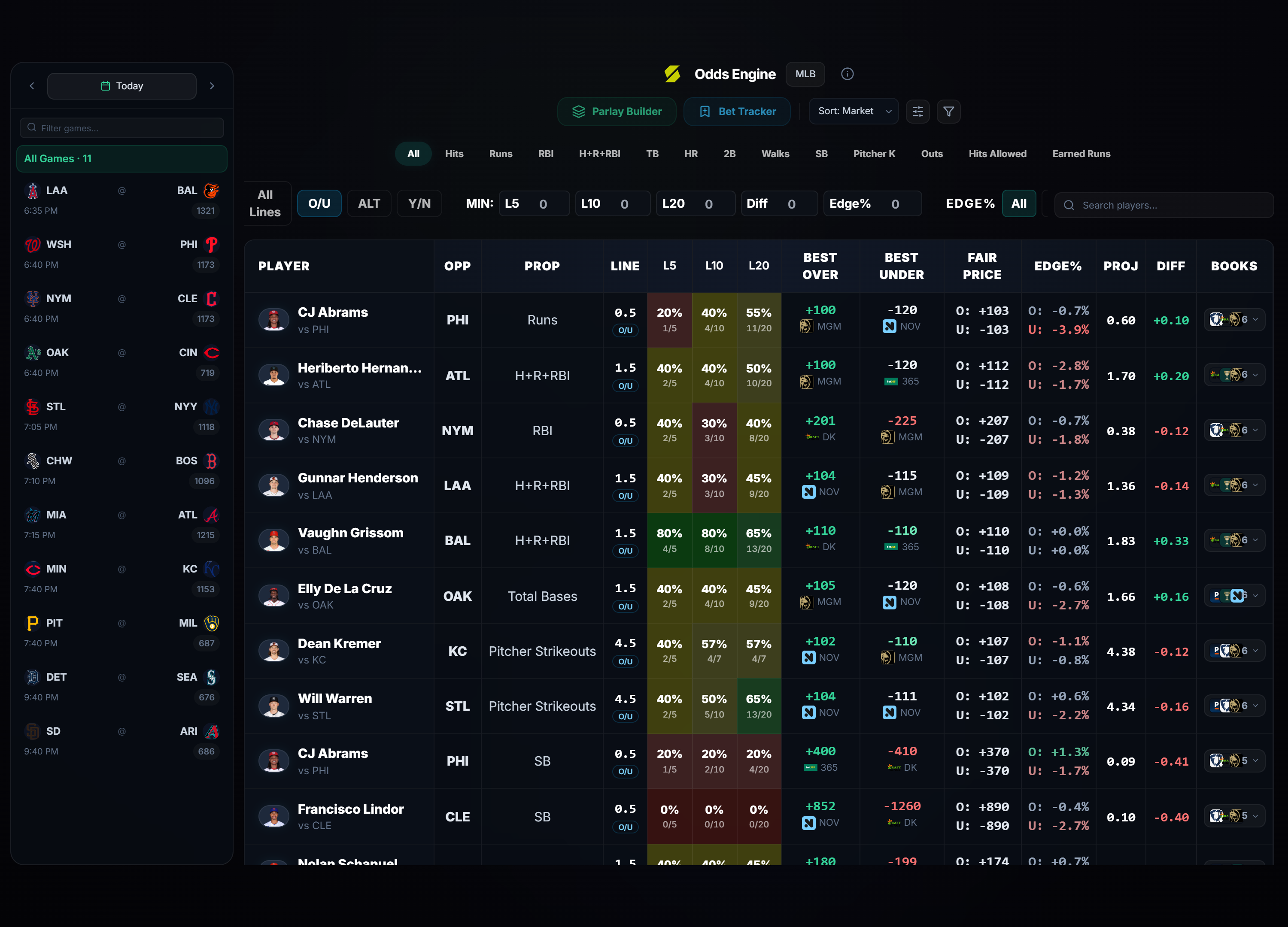
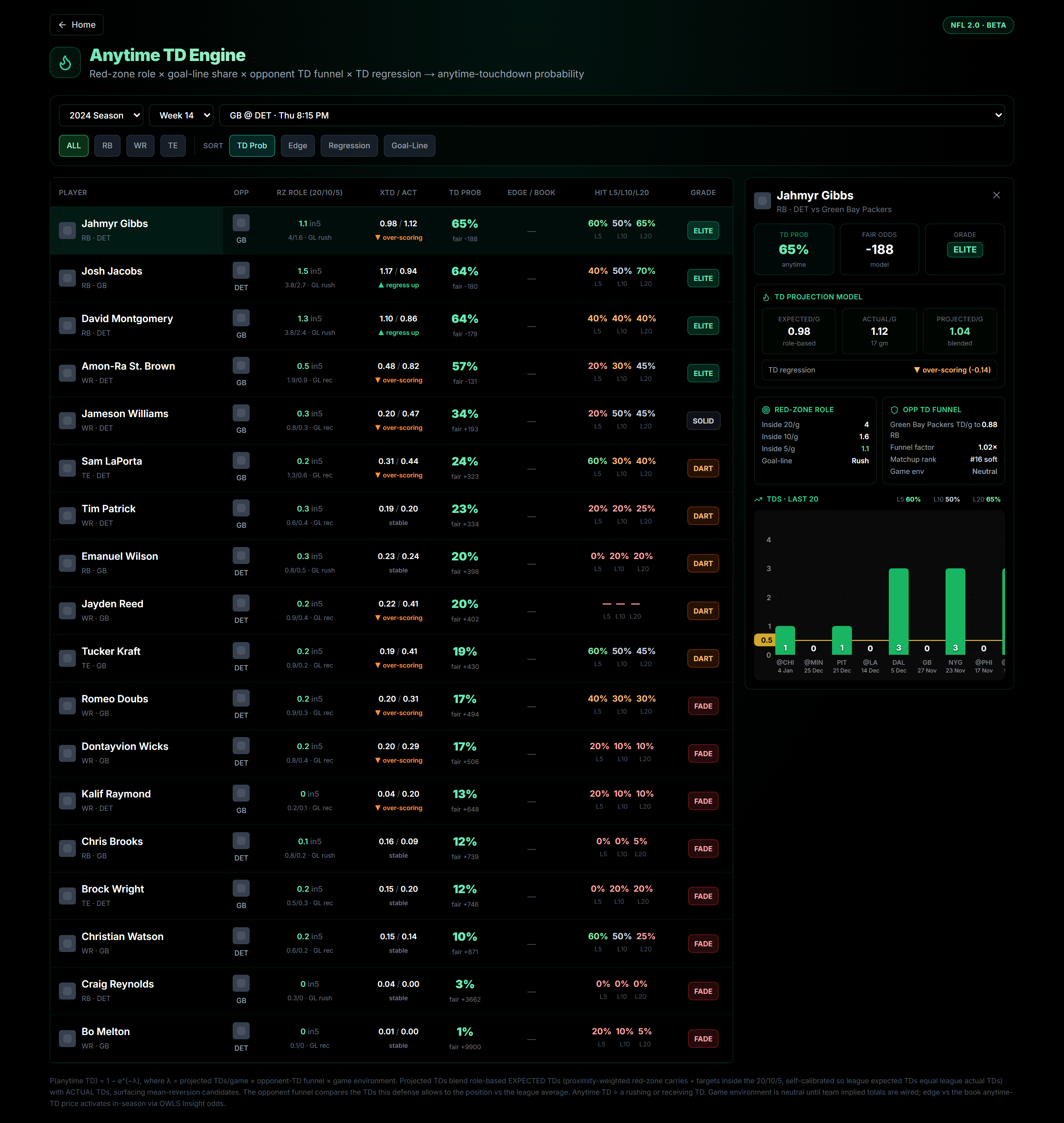
Drop one script tag on any page and render our analytics as live widgets that match the Statyx look. Data comes straight from the API, and your key never touches the browser. Twelve widgets are ready today across NBA, MLB and NFL.

One script tag / Your key stays on your server / theme light or dark

How it works

Three steps to a live widget. No build step, no framework, and no data plumbing on your side.

1

Add the loader

Put one script tag on any page. It defines the widget element and has zero dependencies.

<script src="https://api.statyx.io/embed/statyx-embed.js" async></script>
2

Mint a token on your server

Your backend calls the API with your key and returns a short-lived embed token. The key stays server side.

# your backend
POST /v1/embed-tokens
x-api-key: your_key
3

Drop in a widget

Add the element with the widget you want and a token URL that points at your endpoint. It renders live.

<statyx-widget
  widget="mlb-bullpen-radar"
  token-url="/statyx-token"></statyx-widget>
Every widget

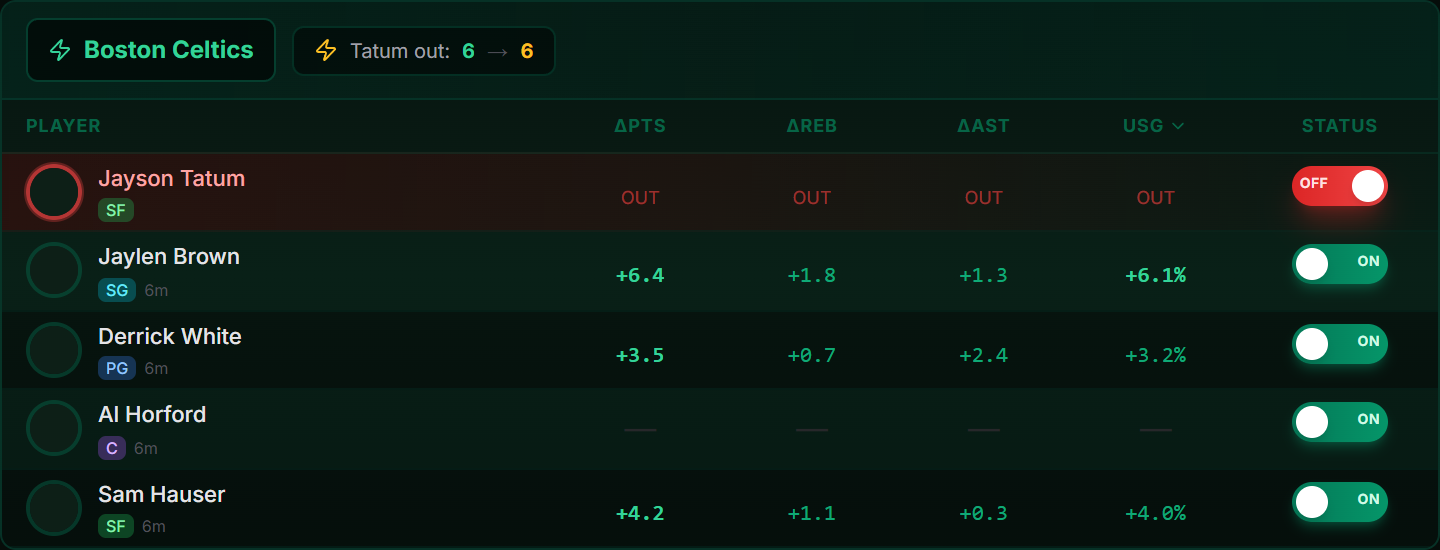
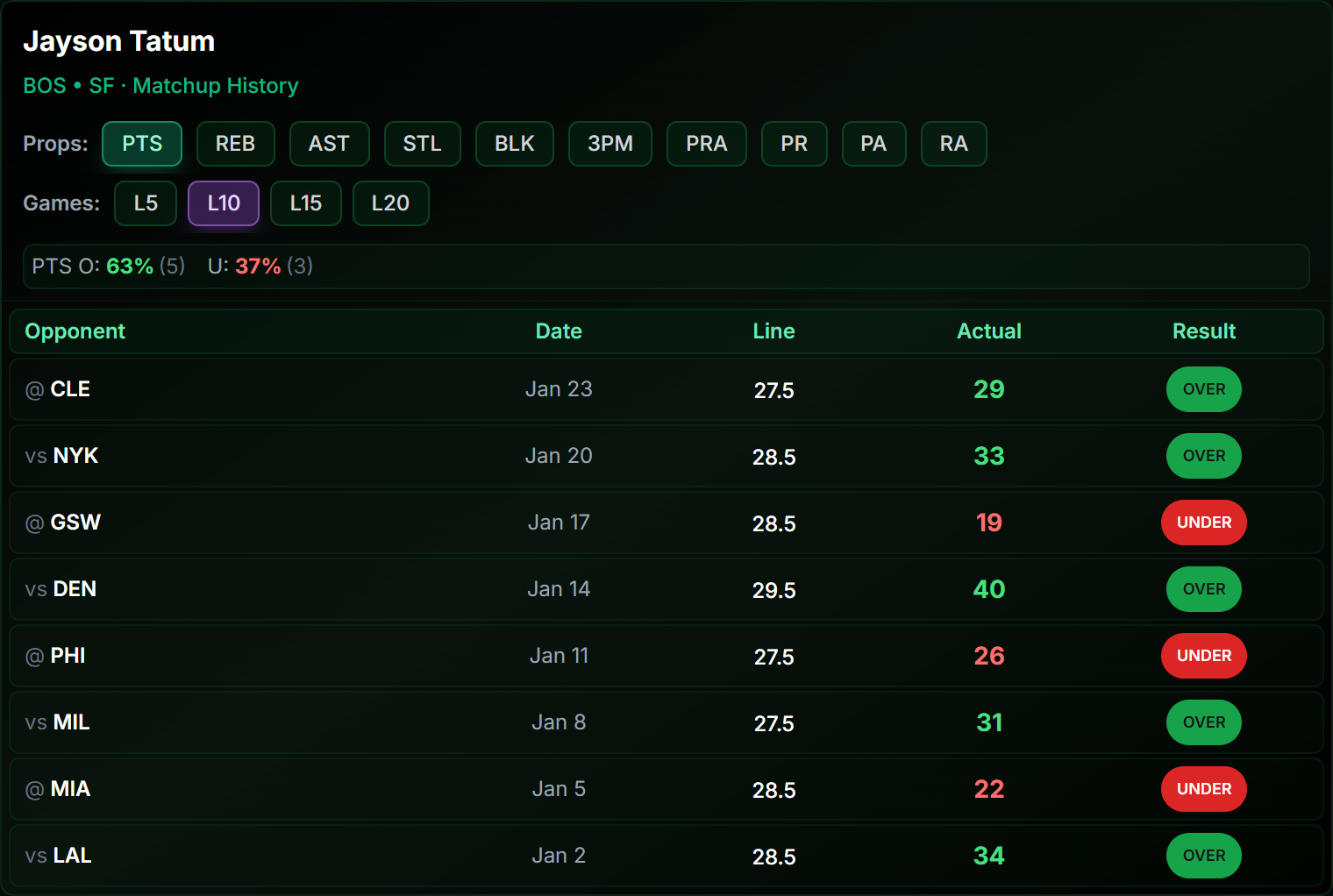
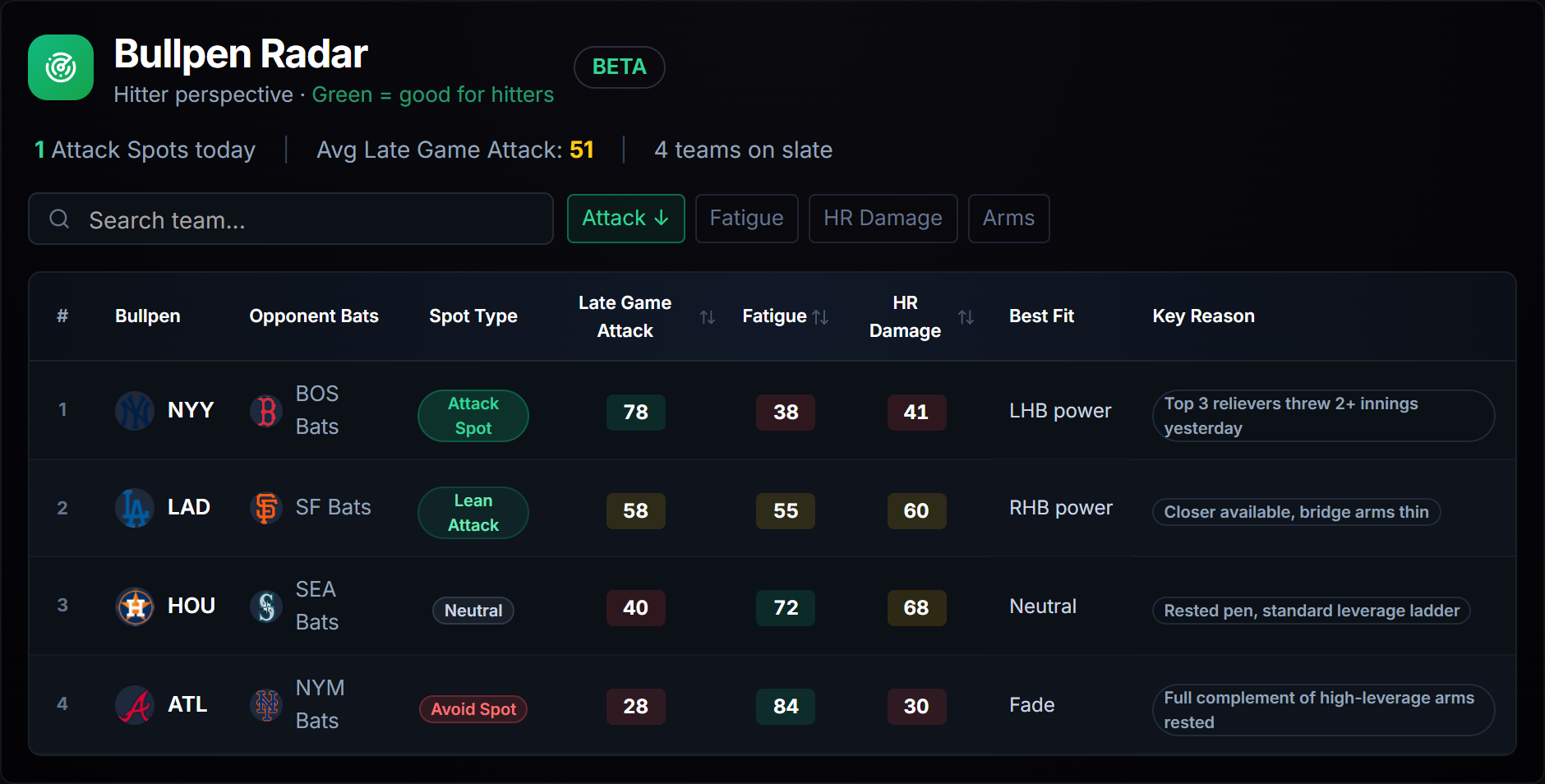
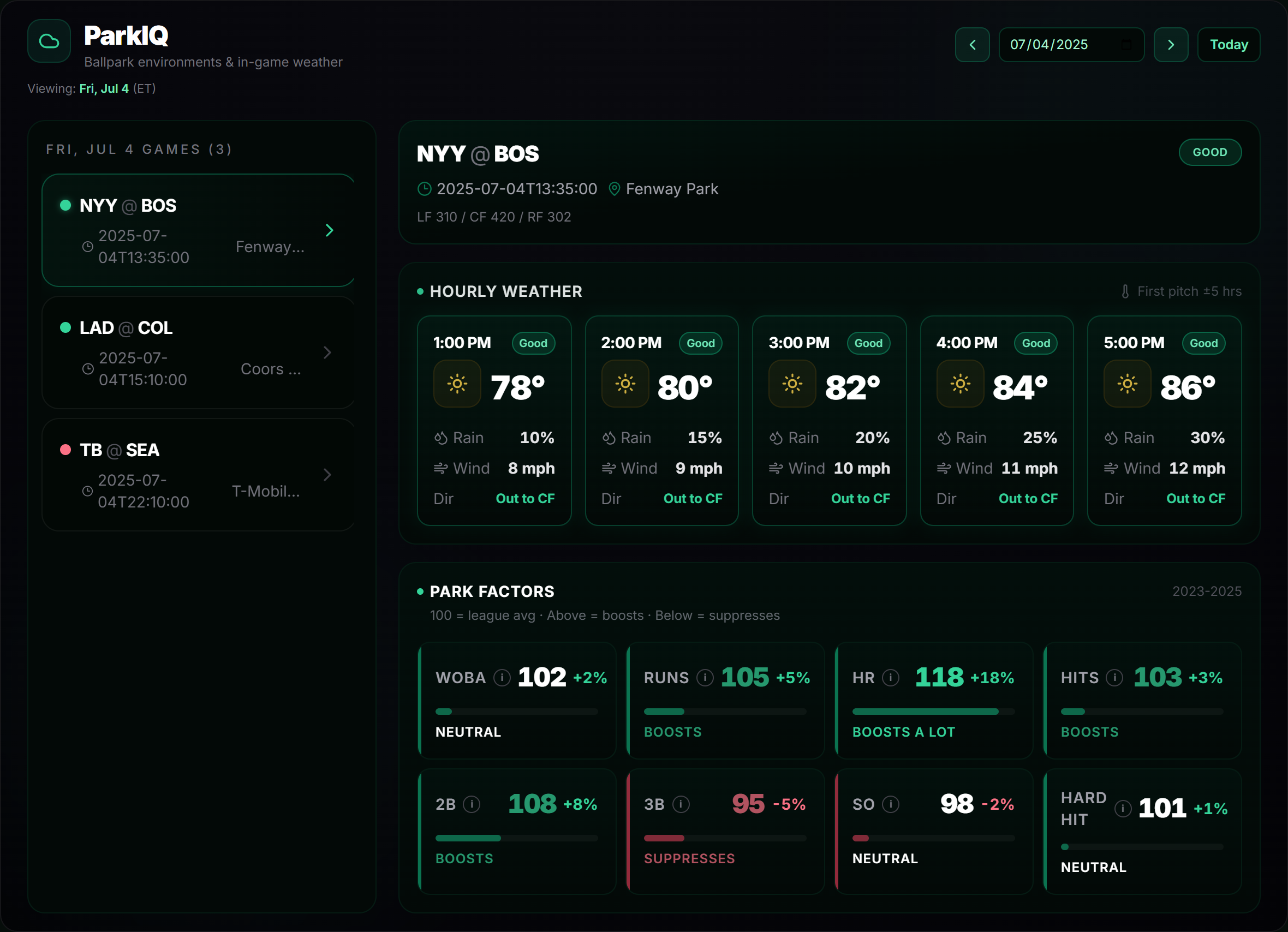
Real screenshots of each embed, what it shows, the options you can set and a snippet to copy.

Plan requirements are marked on each widget. Boards tagged Custom plan need a Custom-tier token whose widgets list names that widget id, plus your partner id and origin on our allowlist — a wildcard token will not render them. Boards tagged Not yet available are not embeddable today.

Options every widget shares

On top of its own settings, each widget accepts theme="light" for light backgrounds, an optional refresh interval in seconds to re-pull data, and a token-url so your API key never leaves your server. You can also pin an api-base for staging.

Your key stays on your server.

Widgets never read your API key in the browser. Your backend mints a short-lived, origin scoped embed token from /v1/embed-tokens, and the widget refreshes it automatically. Nothing secret ends up in the page source, the URL or the browser history.

Ready to embed?

Configure any widget in the live demo, then copy the snippet straight into your site.